


Aiwa MZ2707-K1 Gaming Monitor, 27″ IPS Display, QHD 2560 × 1440 Resolution, 165Hz Refresh Rate, 1ms Response Time, HDR10, 97% sRGB, DisplayPort and HDMI, Black | MZ2707-K1
Aiwa MZ2707-K1 Gaming Monitor, 27″ IPS Display, QHD 2560 × 1440 Resolution, 165Hz Refresh Rate, 1ms Response Time, HDR10, 97% sRGB, DisplayPort and HDMI, Black | MZ2707-K1
Key Features:
 625.00


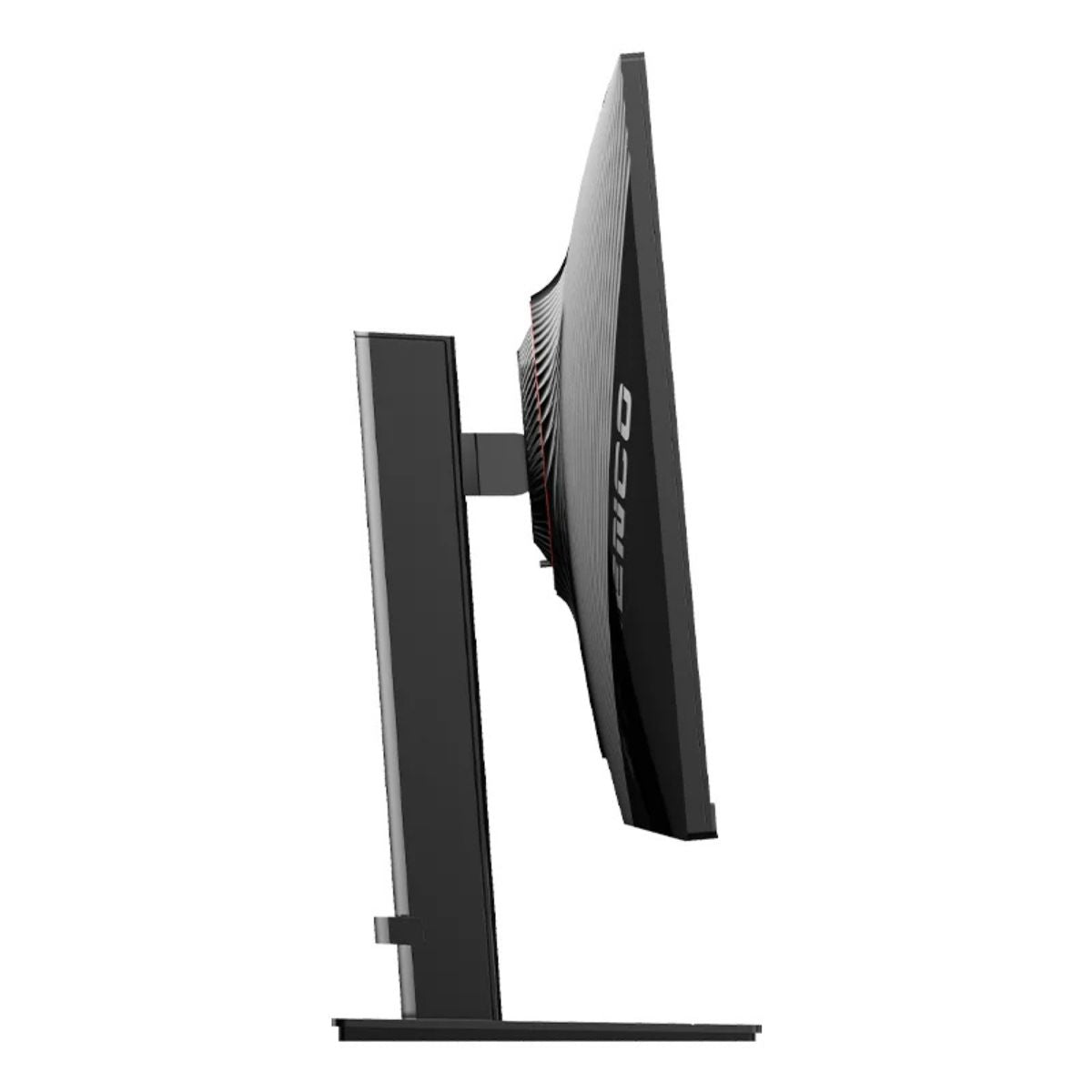
Aiwa MZ2707-K1 Gaming Monitor, 27″ IPS Display, QHD 2560 × 1440 Resolution, 165Hz Refresh Rate, 1ms Response Time, HDR10, 97% sRGB, DisplayPort and HDMI, Black | MZ2707-K1
The Aiwa MZ2707-K1 27″ QHD Gaming Monitor combines a sharp 2560 × 1440 IPS display with a refresh rate of up to 165Hz. The extra resolution helps bring out fine details in game environments and gives you room to keep a document and browser open side by side. In fast-paced games, the higher refresh rate makes camera turns and moving targets easier to follow when your PC delivers enough frames. HDR10 support, 97% sRGB coverage, and a slim black design make the MZ2707-K1 a practical choice for a desk used for both gaming and everyday work.
Key Features
- 27″ QHD Display: The 2560 × 1440 resolution provides approximately 78% more pixels than Full HD, giving games finer detail and desktop applications more workspace.
- Up to 165Hz Refresh Rate: Follow quick changes in direction during racing games, action sequences, and first-person gameplay.
- 1ms Response Time: A fast response setting helps keep object edges clear as the image changes.
- IPS Panel: Colours remain consistent across a range of viewing positions, including when someone is watching beside you.
- 97% sRGB Coverage: Covers most of the colour space commonly used for websites, digital illustrations, and SDR content.
- HDR10 Support: Accepts an HDR10 signal from compatible games, streaming devices, and computers.
- DisplayPort and HDMI: Connect a gaming PC, laptop, or compatible console and select the source you want to use.
- Built-In Speakers: Play game audio, dialogue, and system sounds while keeping desk space clear.
- VESA Mount Support: Use a compatible monitor arm to position the screen or free the desk space beneath it.
Technical Specifications (At a Glance)
- Brand: Aiwa
- Model Number: MZ2707-K1
- Product Type: Flat gaming monitor
- Screen Size: 27 inches (68.58cm diagonal)
- Panel Type: IPS
- Native Resolution: QHD, 2560 × 1440 pixels
- Aspect Ratio: 16:9
- Pixel Density: Approximately 109 pixels per inch
- Maximum Refresh Rate: 165Hz
- Advertised Response Time: 1ms
- Colour Gamut: 97% sRGB coverage
- HDR Signal Support: HDR10
- Video Inputs: DisplayPort and HDMI
- Audio: Built-in speakers
- Mounting: Desktop stand or compatible VESA mount
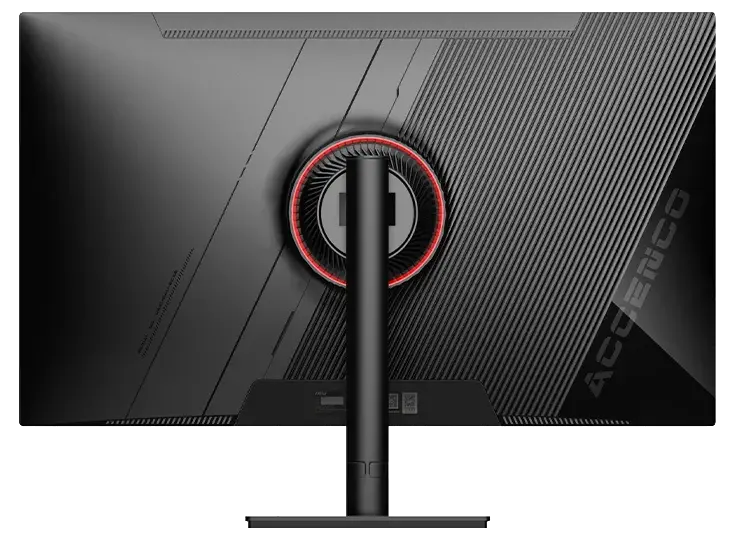
- Colour: Black with a red rear accent
27″ QHD Detail for Gaming and Desktop Work
At 27 inches, the QHD panel delivers approximately 109 pixels per inch. This is useful for reading small map labels, inspecting inventory items, or keeping a strategy game’s interface visible without taking too much space away from the game world.
For work, the 2560-pixel width gives two side-by-side windows about 1280 pixels each before scaling. Keep a reference document beside a draft, or follow a tutorial while working in another application.
165Hz Refresh Rate and Fast Response
At 165Hz, the screen can refresh about every 6.1 milliseconds. In a racing game, that gives you more frequent views of the road as you steer through a corner. The benefit is most visible when your graphics card delivers a consistently high frame rate at QHD resolution.
After connecting the monitor, select 2560 × 1440 and the highest supported refresh rate in your computer’s display settings. The 1ms rating describes the display’s response under a specified setting. Total input latency also depends on the game, computer, and connected peripherals.
IPS Colour and HDR10 Support
The IPS panel and 97% sRGB coverage suit everyday colour work such as preparing web graphics, reviewing slides, and editing social media content. The wide viewing characteristics are also useful when two people need to review the same image at a desk.
For an HDR10 game or video, enable HDR on the source device and in the application where required. For ordinary web and office use, SDR keeps content in its intended viewing mode.
DisplayPort and HDMI Connectivity
Use DisplayPort for a compatible desktop graphics card or HDMI for a laptop, console, or second computer. For example, you can leave a gaming PC and work laptop connected, then switch inputs at the monitor. The available resolution and refresh rate depend on the source output, cable, and any adapter or dock in the connection.
Slim Design and VESA Mounting
The slim bezel keeps the edge of the screen unobtrusive, especially beside a second display. Use the desktop stand for a straightforward setup, or choose a compatible VESA arm to raise the monitor above a keyboard, speakers, or docking station. Check the mounting pattern and screw requirements before selecting an arm.
Ideal For
- PC Gaming: Pair QHD detail with high-refresh motion in action, racing, and competitive games.
- Strategy and Simulation Games: Keep maps, menus, and status panels readable on a 27-inch screen.
- Home Offices: Work with spreadsheets, documents, and browser windows side by side.
- Content Creation: Use the IPS display for web graphics, video timelines, and everyday image editing.
- Dual-Device Desks: Share one screen between a gaming desktop and an HDMI-equipped laptop or console.
Benefits of Aiwa MZ2707-K1
- Combines detailed 1440p visuals with up to 165Hz refresh in one display.
- Provides room for two working windows on a single 27-inch screen.
- Lets you connect different video sources without moving the monitor.
- Includes speakers for everyday audio and VESA support for flexible placement.
Important Product Information
- MZ2707-K1 identifies the 27-inch Aiwa QHD IPS gaming monitor described here.
- To use 165Hz, select a compatible output, cable, and display mode. A laptop dock or adapter can limit the available refresh rate.
- Console refresh rates depend on the console, the game, and the supported HDMI mode. The 165Hz figure is the monitor’s maximum.
- HDR10 identifies a supported signal format. HDR appearance depends on the content, display settings, and panel capabilities.
Why Choose Aiwa MZ2707-K1?
The Aiwa MZ2707-K1 suits a desk where the same screen needs to handle fast games and detailed work. Its strongest combination is the 27-inch QHD panel and 165Hz refresh rate. You get room for a timeline or two documents during the day, then a high-refresh display for a compatible gaming PC in the evening.
Why Buy from IT Splendid UAE?
At IT Splendid UAE, explore gaming monitors, display cables, monitor arms, and accessories for home and office setups.
- Gaming and Office Selection: Browse displays for competitive play, creative work, and daily productivity.
- Configuration Comparison: Compare screen size, native resolution, refresh rate, and connectivity for your computer.
- Convenient Online Shopping: Use model number MZ2707-K1 to identify the 27-inch QHD 165Hz configuration.
- UAE Delivery: Explore delivery options across Dubai, Abu Dhabi, Sharjah, Ajman, Ras Al Khaimah, Fujairah, and Umm Al Quwain, subject to availability.
Complete Your Setup with the Aiwa MZ2707-K1
Shop the Aiwa MZ2707-K1 27″ QHD IPS Gaming Monitor with 165Hz Refresh Rate and HDR10 at IT Splendid UAE. Choose it for a gaming and work setup that needs sharp 1440p detail, smooth motion, and both DisplayPort and HDMI connectivity.
Your Question
-

Free Delivery
For all orders over AED 499
-

Cash On Delivery
For All Over Country
-

Express Delivery
Within 24 Hours
-

7 Days Free Returns
If goods have problems


- Choosing a selection results in a full page refresh.
- Opens in a new window.