


Lenovo ThinkVision P40WD-40 Thunderbolt 4 Docking Monitor, 40-Inch Class Curved WUHD 5120 × 2160 IPS Black Display, 120Hz, 4ms GtG, 1.07 Billion Colors, Multi-Sync, Eclipse Black – UAE | 64B4XAT1UK
Lenovo ThinkVision P40WD-40 Thunderbolt 4 Docking Monitor, 40-Inch Class Curved WUHD 5120 × 2160 IPS Black Display, 120Hz, 4ms GtG, 1.07 Billion Colors, Multi-Sync, Eclipse Black – UAE | 64B4XAT1UK
Key Features:
- 39.7-Inch Curved Ultrawide Screen
- 5120 × 2160 WUHD Resolution
- 2500R Curvature
- IPS Black Technology
- Up to 120Hz Refresh Rate
- 4ms GtG Extreme Mode
- 1.07 Billion Colors
- Wide Color Gamut
- Factory Color Calibration
- Thunderbolt 4 Docking
- Up to 140W Laptop Charging
 5,900.00


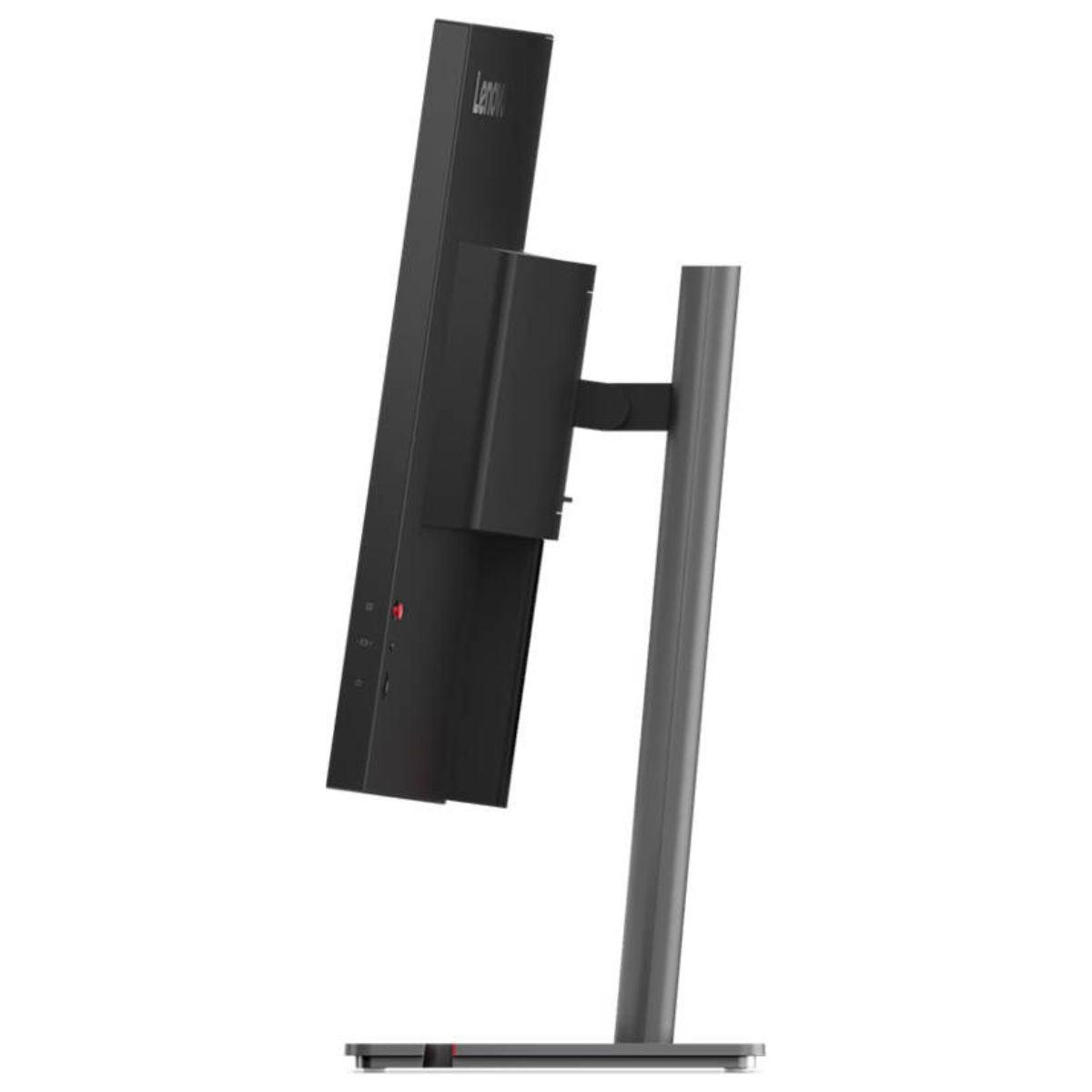
Lenovo ThinkVision P40WD-40 Thunderbolt 4 Docking Monitor, 40-Inch Class Curved WUHD 5120 × 2160 IPS Black Display, 120Hz, 4ms GtG, 1.07 Billion Colors, Multi-Sync, Eclipse Black – UAE | 64B4XAT1UK
The Lenovo ThinkVision P40WD-40 Thunderbolt 4 Docking Monitor (64B4XAT1UK) gives professionals a continuous 39.7-inch workspace for wide spreadsheets, editing timelines, design tools, and side-by-side documents. Its 5120 × 2160 WUHD resolution provides the same vertical pixel count as a 4K UHD display, with 1,280 additional horizontal pixels for a reference window, tool palette, or second application. A 2500R curve brings the outer edges toward the viewer, while the IPS Black panel combines a 2,000:1 typical contrast ratio with support for 1.07 billion colors. For a compatible laptop, the built-in Thunderbolt 4 dock connects the display, USB accessories, and 2.5Gb Ethernet through one host cable and supplies up to 140W of charging power. A built-in KVM switch, Picture-by-Picture, and a refresh rate of up to 120Hz make the P40WD-40 particularly useful at desks shared by a laptop and desktop workstation.

Key Features
- 39.7-Inch Curved Ultrawide Screen: Keep a main application and supporting documents visible across one uninterrupted 21:9 display.
- 5120 × 2160 WUHD Resolution: View fine text, detailed graphics, and more spreadsheet columns at the same time.
- 2500R Curvature: The gentle curve brings the far ends of the wide panel closer to a centrally seated user.
- IPS Black Technology: A 2,000:1 typical contrast ratio gives darker shades more separation when reviewing images, video, and dark interfaces.
- Up to 120Hz Refresh Rate: Follow moving windows, timeline playback, and scrolling documents smoothly on a compatible system.
- 4ms GtG Extreme Mode: Select the faster pixel-response setting for moving content or use the 6ms Normal setting for everyday work.
- 1.07 Billion Colors: An 8-bit panel with frame rate control supports fine tonal transitions in gradients, photographs, and graphics.
- Wide Color Gamut: Covers 99% sRGB, 98% DCI-P3, and 99% BT.709 for web, design, and video workflows.
- Factory Color Calibration: Lenovo specifies average Delta E below 2 in the sRGB and DCI-P3 color spaces.
- Thunderbolt 4 Docking: Carry video and data over a host connection rated up to 40Gbps.
- Up to 140W Laptop Charging: USB Power Delivery 3.1 supports compatible notebooks through the upstream Thunderbolt port.
- 2.5Gb Ethernet: Connect a docked computer to a wired network through the monitor’s RJ-45 port.
- Built-In KVM Switch: Share one keyboard and mouse between two connected computers.
- Picture-by-Picture and Picture-in-Picture: Display two supported video sources alongside each other or place one in an inset window.
- Multi-Sync and True Split: Lenovo includes both features among the monitor’s display-management tools.
- USB Peripheral Hub: Connect desktop accessories through five downstream USB-A ports and two downstream USB-C ports.
- Display Expansion: DisplayPort and Thunderbolt outputs support additional displays in compatible configurations.
- Integrated Stereo Speakers: Two 5W speakers provide audio for presentations, training videos, and everyday playback.
- Anti-Glare and Natural Low Blue Light: The screen finish helps control reflections, while an ambient light sensor supports adjustment to changing room light.
Technical Specifications (At a Glance)
- Brand: Lenovo
- Product Series: ThinkVision P Series
- Model Number: P40WD-40
- Manufacturer Part Number: 64B4XAT1UK
- Product Type: Curved ultrawide Thunderbolt 4 docking monitor
- Screen Size: 40-inch class, 39.7-inch viewable diagonal
- Panel Technology: In-Plane Switching Black (IPS Black) with WLED backlight
- Native Resolution: 5120 × 2160 pixels (WUHD / 5K2K)
- Aspect Ratio: 21:9
- Screen Curvature: 2500R
- Pixel Density: Approximately 140 pixels per inch
- Pixel Pitch: 0.1815 × 0.1815mm
- Refresh Rate Range: 24Hz to 120Hz
- Response Time: 4ms GtG in Extreme mode, 6ms GtG in Normal mode
- Typical Brightness: 400 cd/m²
- Typical Contrast Ratio: 2,000:1
- Viewing Angles: 178° horizontal and 178° vertical
- Color Support: 1.07 billion colors, 10-bit display capability using 8-bit + FRC
- Color Gamut Coverage: 99% sRGB, 98% DCI-P3, and 99% BT.709
- Factory Calibration: Average Delta E below 2 in sRGB and DCI-P3
- HDR Format: HDR10
- Screen Surface: Anti-glare
- Video Inputs: HDMI 2.1 FRL, DisplayPort 1.4 with HBR3 and DSC, and Thunderbolt 4 with DisplayPort 1.4 Alt Mode
- Display Outputs: 1 × DisplayPort 1.4 out and 1 × Thunderbolt 4 out
- Thunderbolt Host Connection: Up to 40Gbps with USB Power Delivery 3.1 up to 140W
- Additional USB Upstream Connection: 1 × USB-B, 5Gbps
- USB-A Downstream: 5 × USB-A, 5Gbps
- USB-C Downstream: 2 × USB-C, 5Gbps, with up to 15W Power Delivery
- Wired Networking: 1 × RJ-45, up to 2.5GbE
- Audio: 2 × 5W integrated speakers
- Multi-System Features: KVM with eKVM, Picture-by-Picture, and Picture-in-Picture
- Display Management Features: Multi-Sync, True Split, and Lenovo Accessories and Display Manager support
- Power Input: 100–240V AC, 50–60Hz
- Case Color: Eclipse Black
39.7-Inch WUHD Workspace for Detailed Work
The ThinkVision P40WD-40 provides 5,120 horizontal pixels and 2,160 vertical pixels. An editor can extend a timeline across the lower part of the display and keep a preview and media browser above it. An analyst can keep a source report beside a workbook without covering the columns being checked.
At approximately 140 pixels per inch, the panel also suits work involving small text, drawing annotations, and detailed interfaces. Desktop scaling lets users choose the balance between text size and the number of windows visible.
2500R Curved IPS Black Display
The 2500R curvature is useful on a screen this wide. From a central seating position, the left and right sections angle slightly toward the user, making it easier to follow a timeline or spreadsheet row across the panel.
The IPS Black panel combines wide viewing angles with a 2,000:1 typical contrast ratio. This helps preserve distinctions between dark gray interface elements, shadow details in photographs, and colored lines against a dark drawing background.
Factory-Calibrated Color for Design and Video
The monitor covers 99% sRGB, 98% DCI-P3, and 99% BT.709. Designers working on web graphics can use sRGB, while video teams can select the color space appropriate to their project.
Lenovo specifies factory calibration with an average Delta E below 2 in sRGB and DCI-P3. The display also accepts HDR10 content. Its 1.07-billion-color capability uses an 8-bit panel with frame rate control, a useful detail when matching the monitor to a color-managed workflow.
120Hz Refresh Rate and 4ms Extreme Mode
The P40WD-40 supports refresh rates up to 120Hz. On a compatible computer, the higher refresh rate is especially noticeable when following the pointer across the wide desktop, scrolling through a long report, or panning across a detailed drawing.
The 4ms specification refers to gray-to-gray pixel response in Extreme mode. Normal mode is rated at 6ms. To use the highest resolution and refresh rate together, the computer, graphics output, and cable must support the required display mode.
Thunderbolt 4 Docking with up to 140W Power Delivery
A compatible notebook can connect to the upstream Thunderbolt 4 port for the display, USB peripherals, wired network, and charging. A user returning to the desk can reconnect those devices with one host cable while leaving the monitor and accessories in place.
The 140W charging figure is the maximum supported through USB Power Delivery 3.1. Actual power depends on the notebook’s charging profile and the cable. This is particularly relevant when selecting a display for a higher-power mobile workstation.
KVM Switching and Two-Computer Viewing
A practical setup is to connect a laptop through Thunderbolt and a desktop through DisplayPort or HDMI, with USB-B providing the desktop’s upstream USB connection. The monitor’s KVM switch then lets the user share a keyboard and mouse between the two systems.
Picture-by-Picture is useful when comparing the output of both computers at once, such as checking a test build beside a reference version. Picture-in-Picture keeps one source prominent while the other remains visible in a smaller window.
2.5Gb Ethernet and Desktop USB Connectivity
The built-in 2.5Gb Ethernet port gives a docked laptop access to a wired office network. This can be useful when opening large project files from network storage or transferring media to a shared server. A compatible switch and network infrastructure are required to reach the full link speed.
Five USB-A and two USB-C downstream ports provide space for both permanent and occasional accessories. A keyboard and mouse can remain connected while a user plugs in a card reader, external drive, or compatible USB-C device as needed.
Display Expansion and Multi-Sync
The monitor includes both DisplayPort and Thunderbolt outputs for compatible display chains. For example, the P40WD-40 can serve as the main editing workspace while another screen shows a reference document or communications window.
Lenovo also lists Multi-Sync and True Split for this model. Available layouts, display-chain resolutions, and refresh rates depend on the host computer, operating system, connection path, and additional displays.
Eye Comfort, Ambient Light Sensing, and Built-In Audio
The anti-glare surface helps soften office-light reflections across the ultrawide panel. Natural Low Blue Light and an ambient light sensor complement the display’s brightness controls as lighting changes throughout the day.
Two built-in 5W speakers provide audio for training videos, presentations, and call playback. For video meetings, this configuration can be paired with a separate webcam and microphone.
Ideal For
- Finance and Accounts Teams: Review a wide workbook and compare entries against a source document on the same screen.
- Video Editors: Keep a long timeline, media bins, and a preview window visible together.
- Design Professionals: Work with factory-calibrated sRGB and DCI-P3 modes for supported creative projects.
- Engineers and CAD Users: View a detailed drawing alongside specifications, annotations, or tool palettes.
- Software Developers: Arrange an editor, terminal, documentation, and browser preview across one desktop.
- Laptop and Desktop Users: Share a display, keyboard, and mouse between two connected computers.
- Thunderbolt Workstations: Combine display output, charging, wired networking, and peripheral access at a single desk.
- Media and Data Teams: Connect to compatible 2.5GbE infrastructure for transfers to shared storage.
Benefits of Lenovo ThinkVision P40WD-40
- Provides an uninterrupted 5120-pixel-wide workspace without a center bezel between applications.
- Keeps 2,160 vertical pixels available for document pages, image previews, and drawing detail.
- Simplifies laptop docking through a single compatible Thunderbolt host cable.
- Allows two computers to share desk peripherals through the integrated KVM.
- Supports side-by-side comparison of separate video sources.
- Combines wide color coverage with documented factory calibration.
- Provides wired networking and multiple USB accessory connections through the monitor.
- Includes stereo speakers for desktop audio without adding separate speakers to the desk.
Important Product Information
- The P40WD-40 is a 40-inch-class monitor with a 39.7-inch viewable diagonal.
- The native resolution is 5120 × 2160. Check the graphics output, cable, and operating system for support at the intended refresh rate.
- The 4ms GtG response rating applies to Extreme mode. Normal mode is rated at 6ms.
- The upstream Thunderbolt port supports up to 140W for a compatible host. The two downstream USB-C accessory ports are rated up to 15W.
- For a computer connected through HDMI or DisplayPort, a separate USB upstream connection is required for KVM and USB hub functions.
- Available bandwidth is shared across connected devices. Adding a downstream display can affect the resolution and refresh rates available in the chain.
- The 1.07-billion-color specification uses 8-bit + FRC. Factory calibration is specified for sRGB and DCI-P3.
- The webcam is an optional accessory for this configuration. Integrated speakers are included.
- Use part number 64B4XAT1UK when confirming regional package contents and warranty coverage.
Why Choose Lenovo ThinkVision P40WD-40 64B4XAT1UK?
The Lenovo ThinkVision P40WD-40 is a practical choice for a desk where screen space and computer connections matter equally. Its 5K2K panel leaves room for a full-height working document and a reference window, while its color coverage and calibration support design and video work.
The built-in dock is especially useful when a laptop regularly moves between meetings and a workstation. Leave Ethernet and desktop accessories attached to the monitor, reconnect the notebook through Thunderbolt, and use the KVM when it is time to switch to a second computer.
Why Buy from IT Splendid UAE?
At IT Splendid UAE, we offer professional monitors, laptops, desktop computers, networking equipment, and accessories for home offices and business workstations.
- Professional Monitor Selection: Explore ultrawide displays, docking monitors, and screens for creative and technical work.
- Competitive Pricing: Compare workstation configurations for different requirements and budgets.
- Convenient Online Shopping: Browse monitors, Thunderbolt accessories, display cables, and networking products online.
- UAE Delivery: Explore delivery options across Dubai, Abu Dhabi, Sharjah, Ajman, Ras Al Khaimah, Fujairah, and Umm Al Quwain, subject to availability.
- Business IT Solutions: Find equipment for individual workstations, shared desks, design teams, and professional offices.
Build Your Ultrawide Workstation with Lenovo ThinkVision P40WD-40
Bring a laptop, desktop, and everyday peripherals together with the Lenovo ThinkVision P40WD-40 Thunderbolt 4 Docking Monitor – 64B4XAT1UK. Its curved 5120 × 2160 IPS Black display provides room for detailed work, while 140W-capable Thunderbolt docking, built-in KVM, and 2.5Gb Ethernet keep the desk connected. Shop the ThinkVision P40WD-40 at IT Splendid UAE.
Your Question
-

Free Delivery
For all orders over AED 499
-

Cash On Delivery
For All Over Country
-

Express Delivery
Within 24 Hours
-

7 Days Free Returns
If goods have problems


- Choosing a selection results in a full page refresh.
- Opens in a new window.